Articles. Guides. Reviews.
The complete NerdZap archive. Search the collection of step-by-step guides, in-depth hardware reviews, and quick technical fixes.
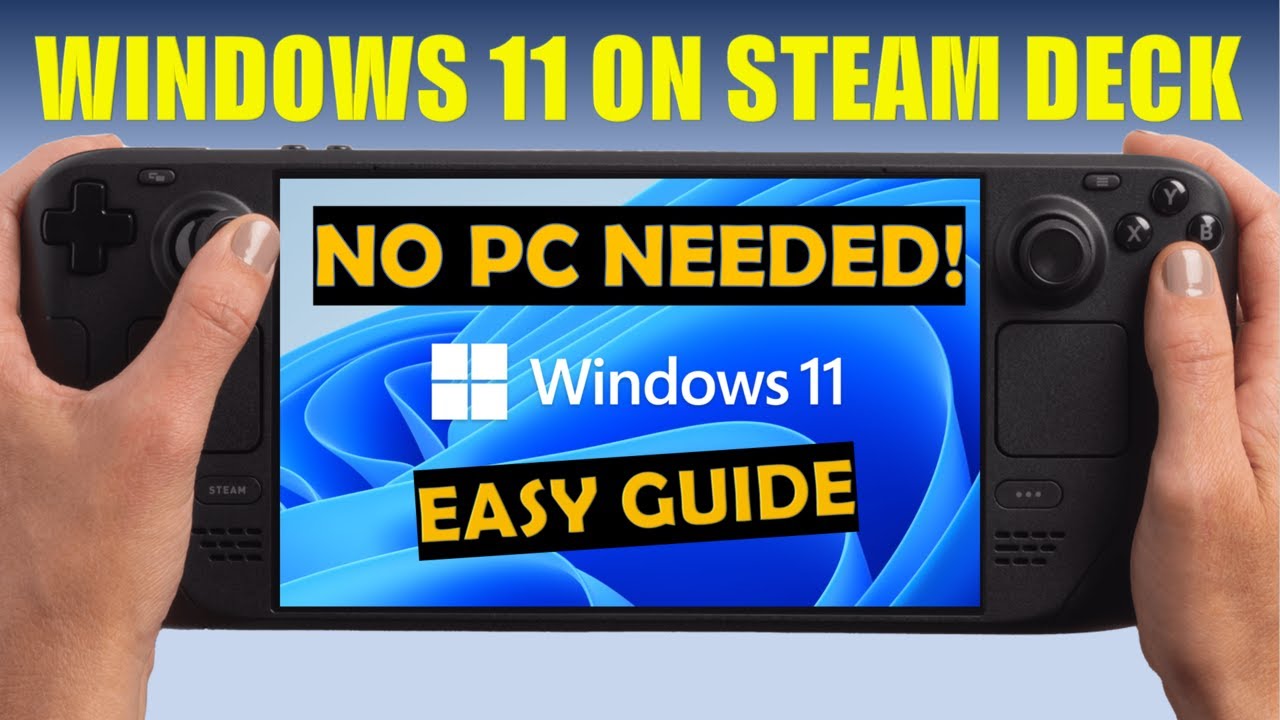
Windows 11 on MicroSD
How to run Windows 11 from a MicroSD card on your Steam Deck without wiping SteamOS.
Read Guide →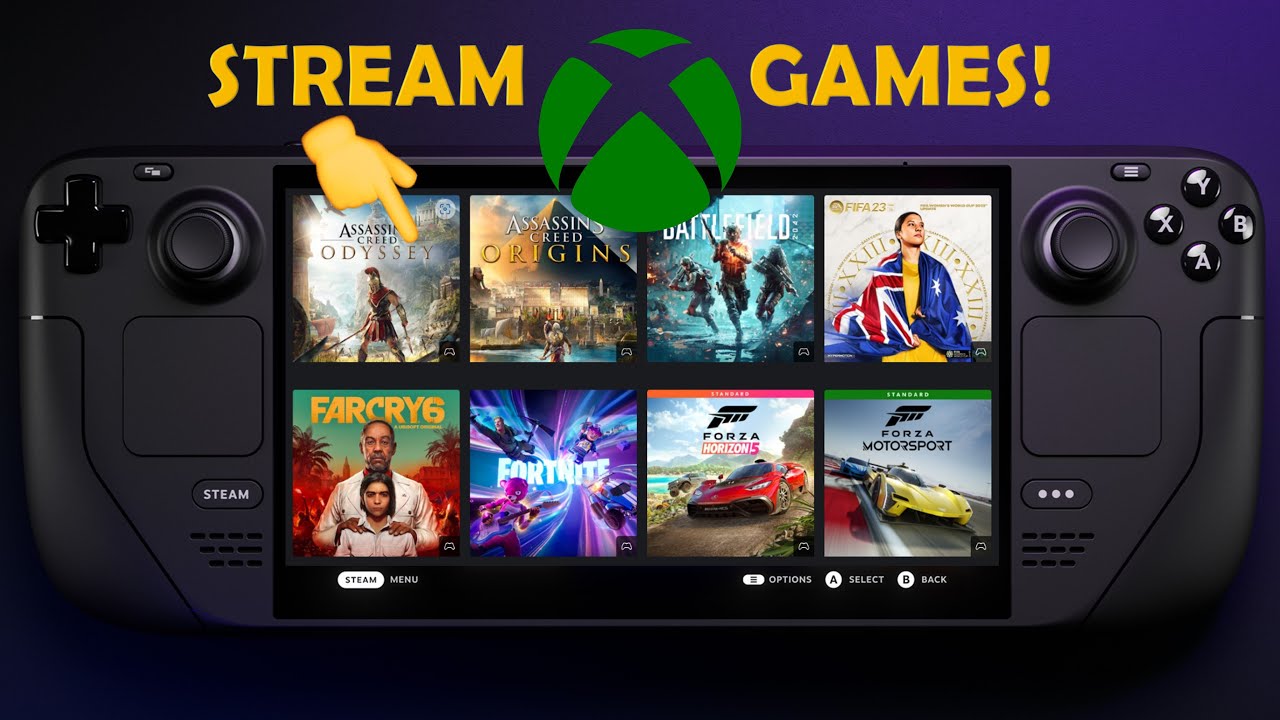
Xbox Cloud Gaming on Steam Deck
Set up Xbox Cloud Gaming (xCloud) on your Steam Deck with custom library artwork.
Read Guide →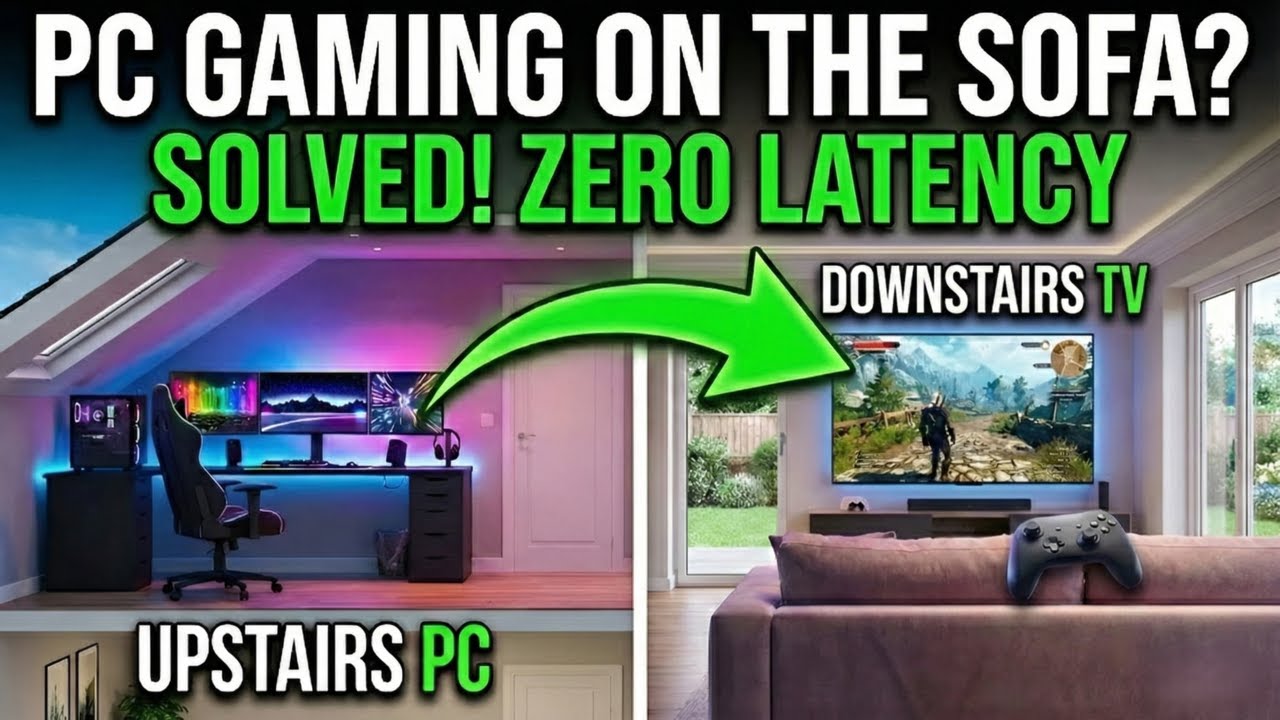
Stream PC Games to Your TV!
Low-latency PC game streaming to any room using Sunshine and Moonlight.
Read Guide →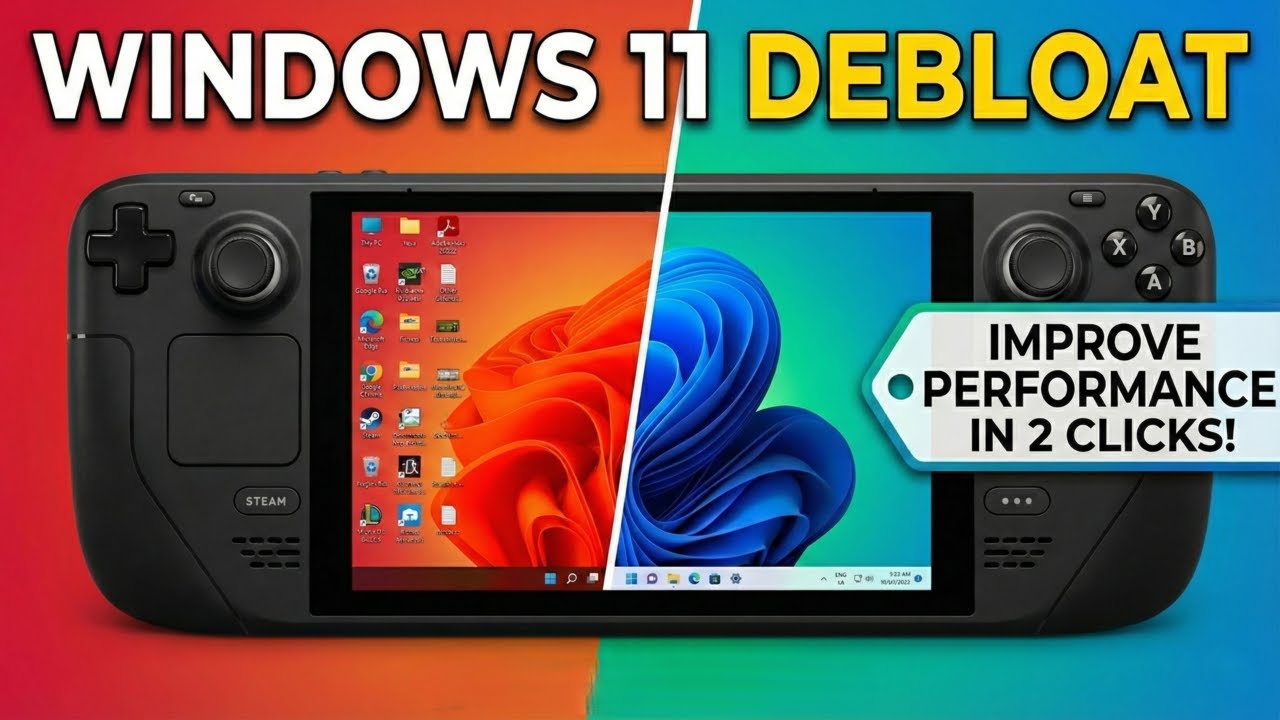
The Ultimate Windows 11 Debloat Guide
Optimise performance, increase battery life, and reclaim your privacy by removing bloatware from Windows 11. Tried and tested on the Steam Deck.
Read Guide →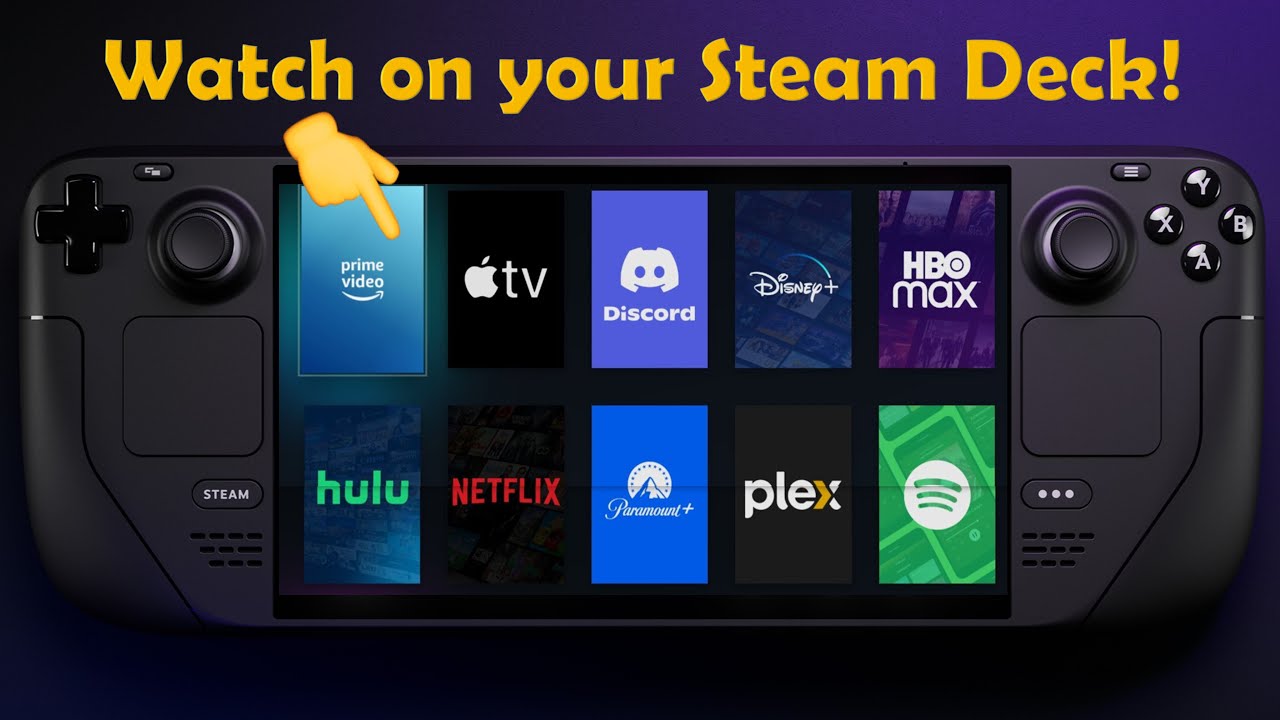
Add Streaming Apps to Steam Deck
Add Netflix, Disney+, and YouTube directly to your Steam Deck Library using EmuDeck.
Read Guide →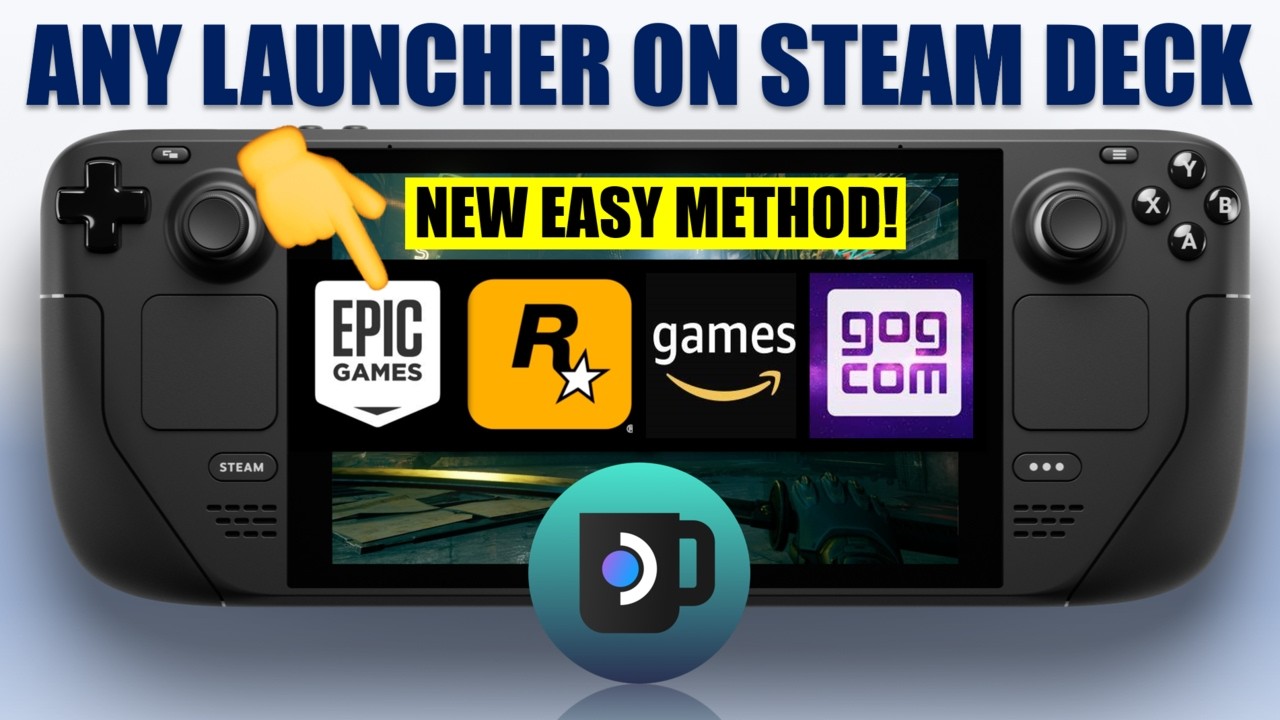
Install Any Game Launcher on Steam Deck
Access Epic, GOG, and Rockstar launchers on SteamOS using NonSteamLaunchers.
Read Guide →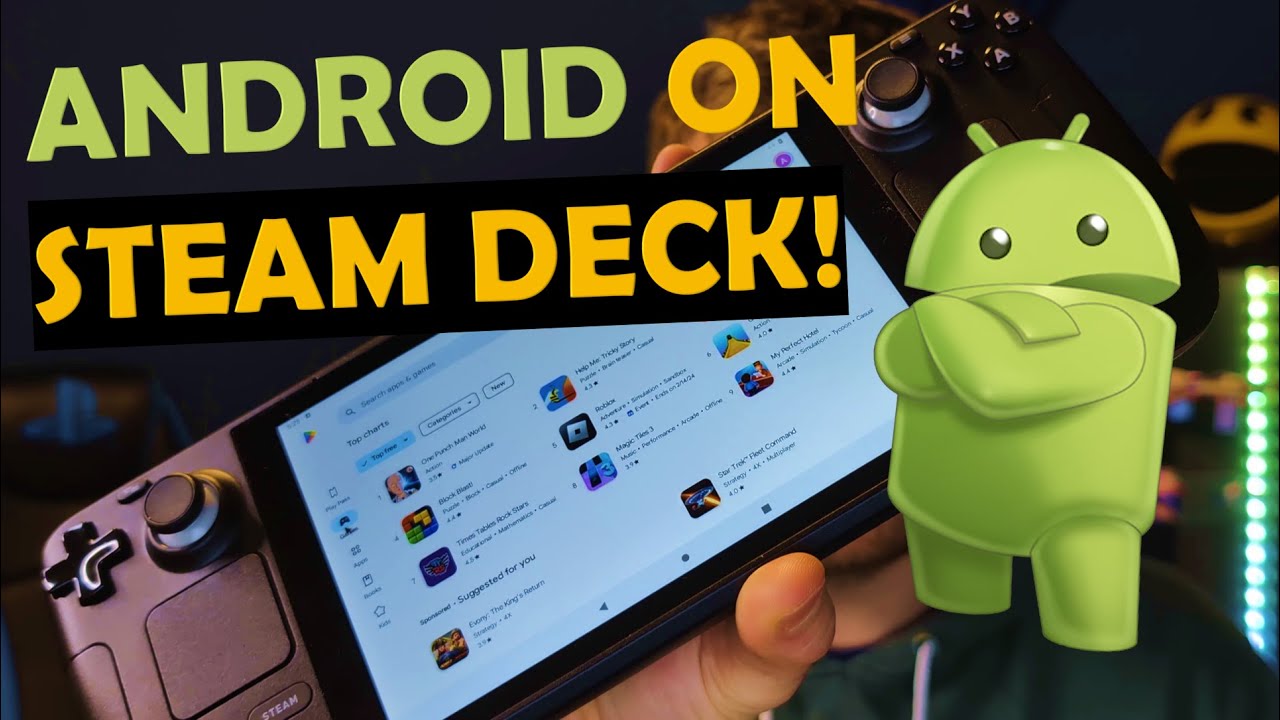
Install Android on Steam Deck (Waydroid)
Run Android apps and games natively on SteamOS without dual-booting.
Read Guide →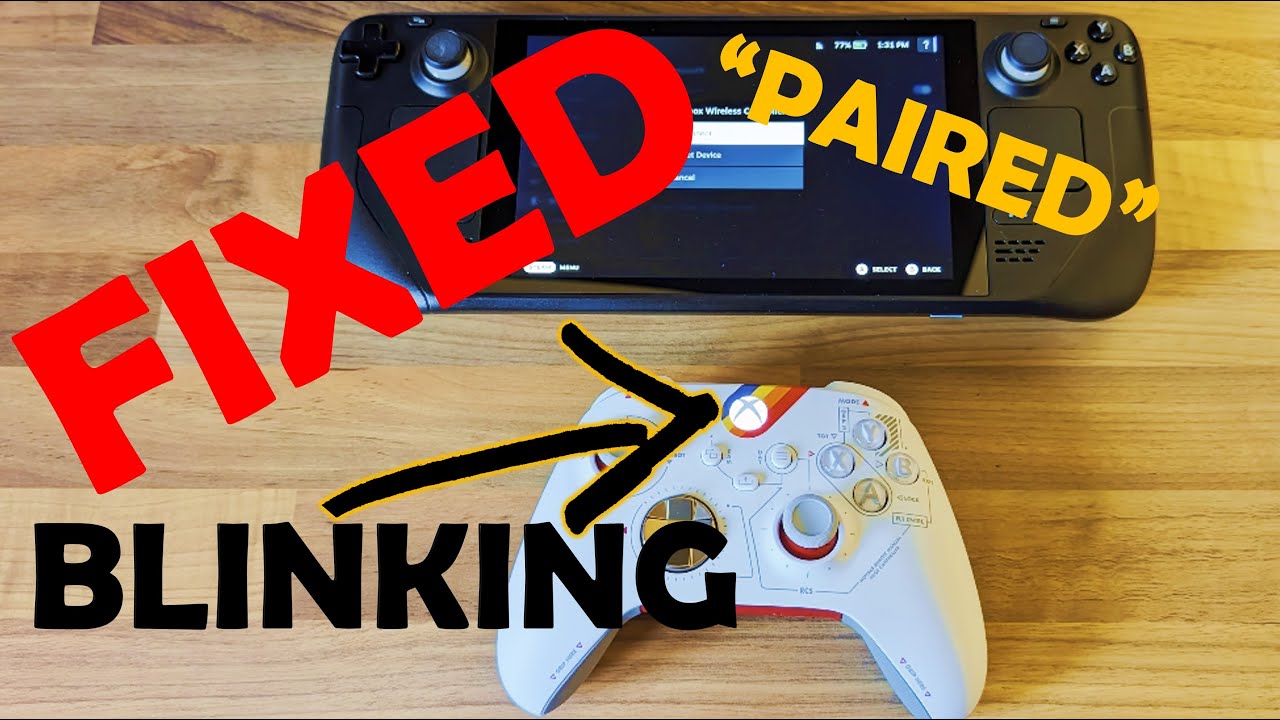
Fix: Xbox Controller Flashing & Not Pairing
Fix Bluetooth pairing loops between Xbox controllers and Steam Deck.
Read Fix →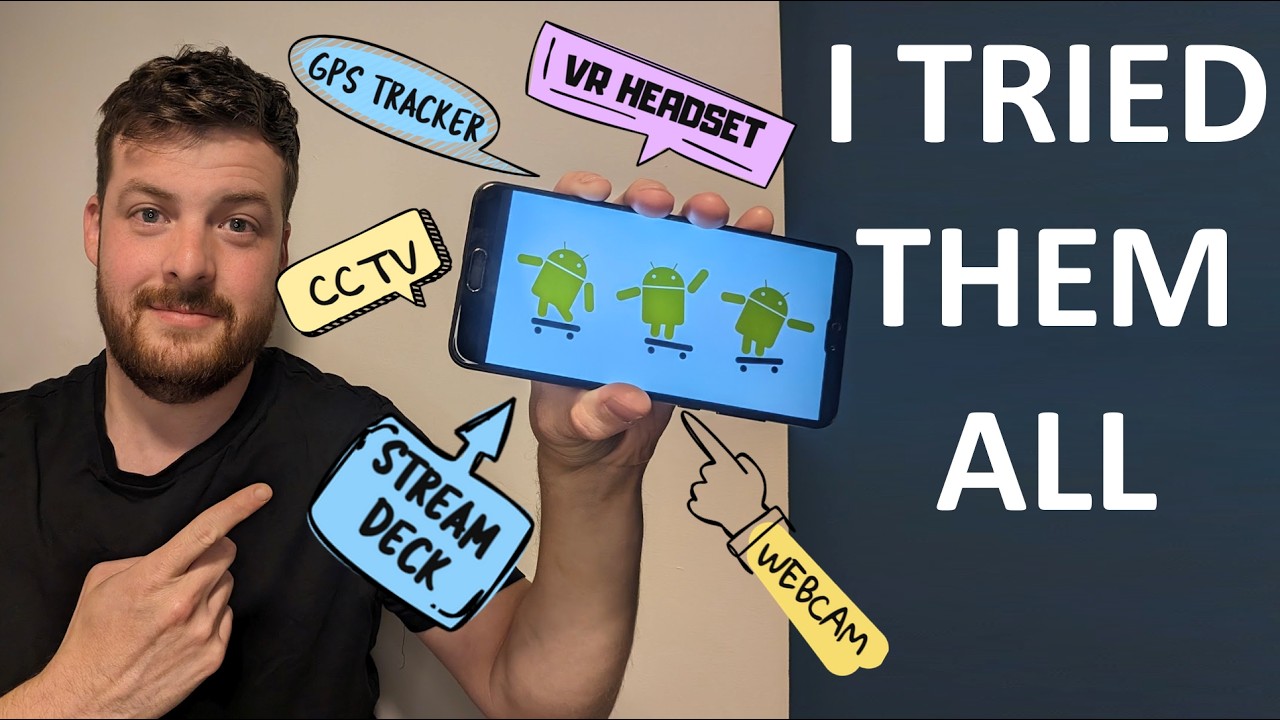
10 Creative Ways to Reuse an Old Android Phone
Turn old tech into genuinly useful tools. Tried and tested!
Read Article →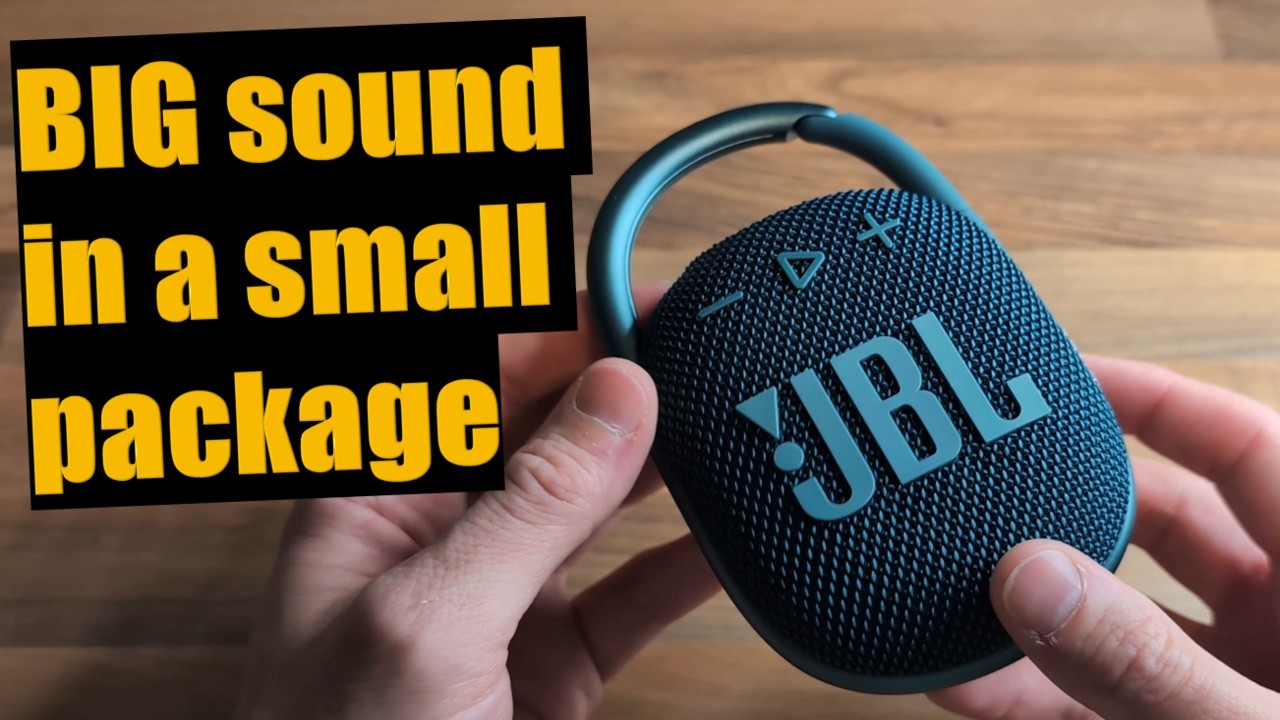
JBL Clip 4 - Sound Test and Initial Impressions
Is this rugged portable speaker worth the upgrade? An unsponsored sound test.
Read Review →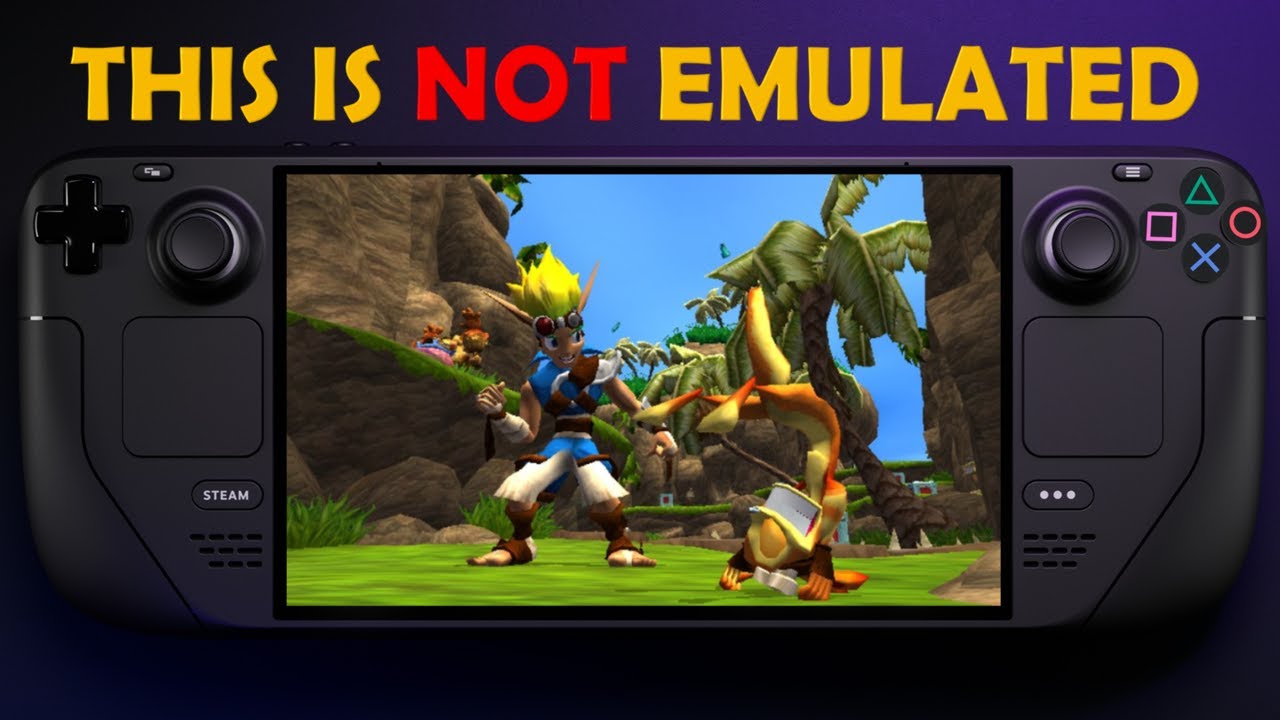
Run Jak and Daxter NATIVELY on Steam Deck
Play Jak and Daxter with better performance using the OpenGOAL project.
Read Guide →
PlayStation Remote Play On Steam Deck
Turn your Steam Deck into a PlayStation Portal using Chiaki-ng.
Read Guide →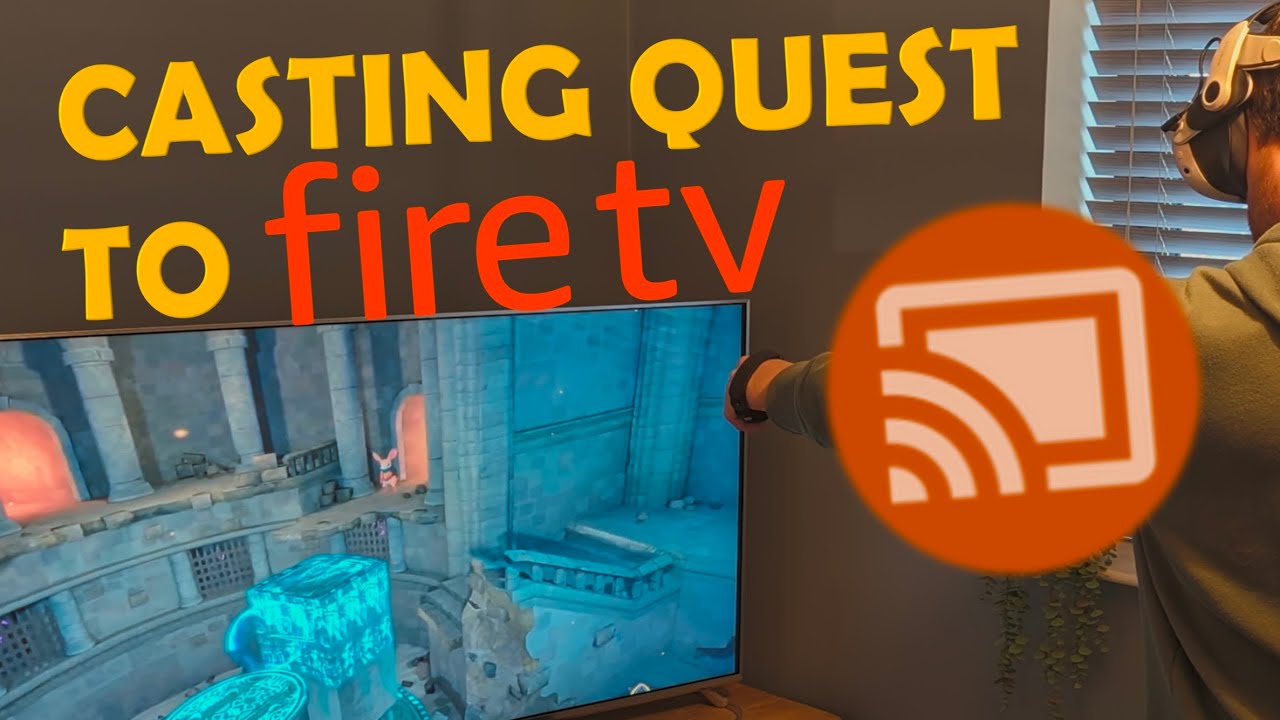
Cast Your Meta Quest 3 to Firestick / Fire TV
Cast VR gameplay to an Amazon Fire TV device for social VR gaming.
Read Guide →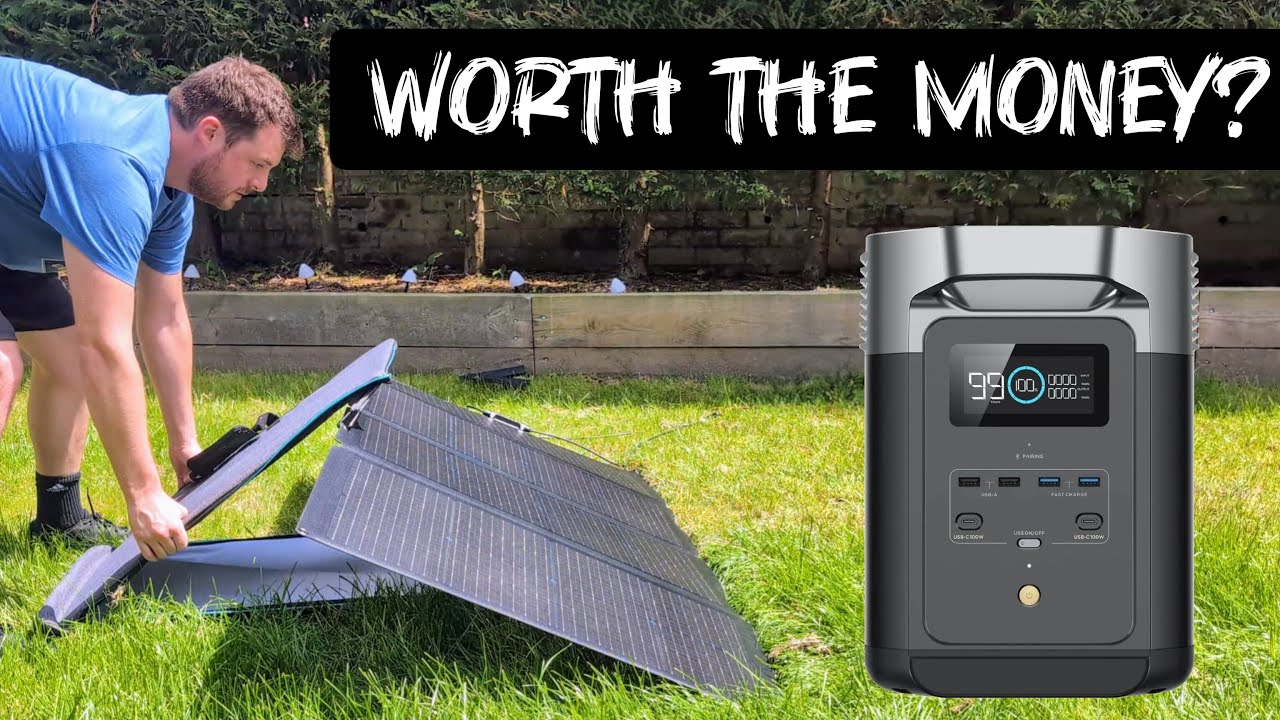
EcoFlow Delta 2 Review - The Best Mid-Range Power Station?
A comprehensive review of the EcoFlow Delta 2. Is it the best backup battery solution for home and travel?
Read Review →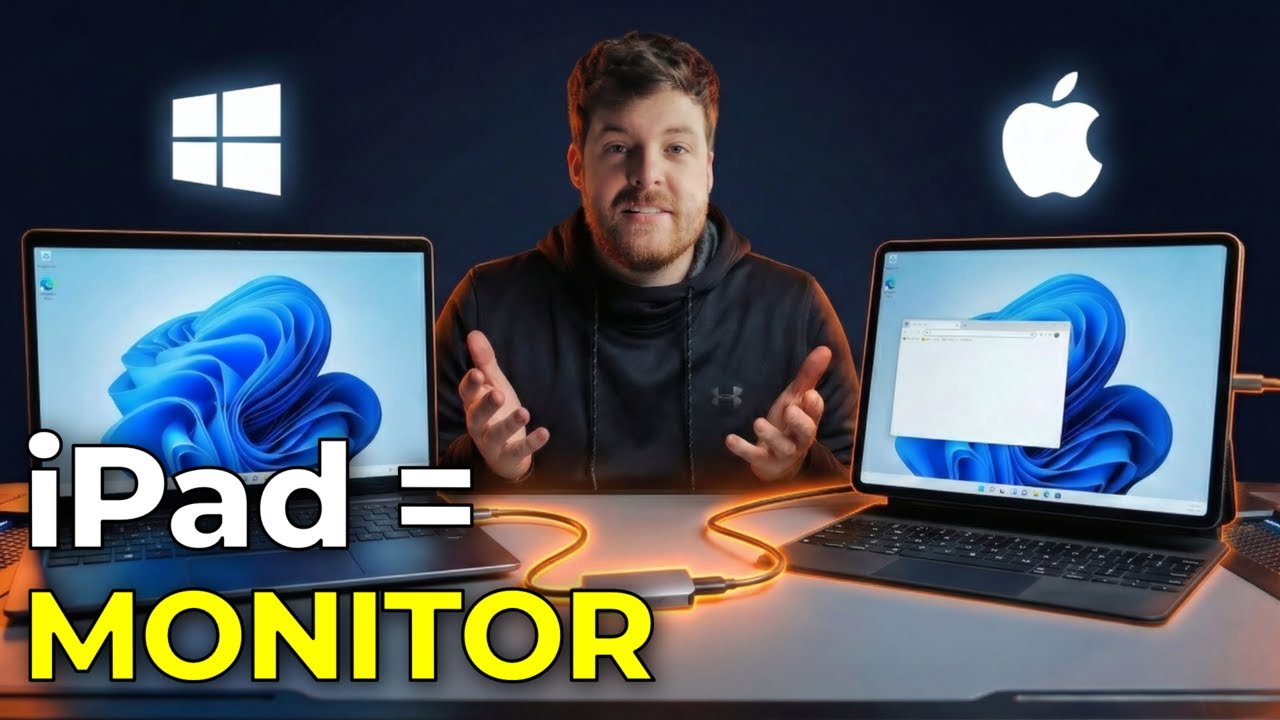
Turn Your iPad into an HDMI Monitor for Windows
Use your iPad as a portable HDMI monitor for Windows using a cheap capture card and no software installation.
Read Guide →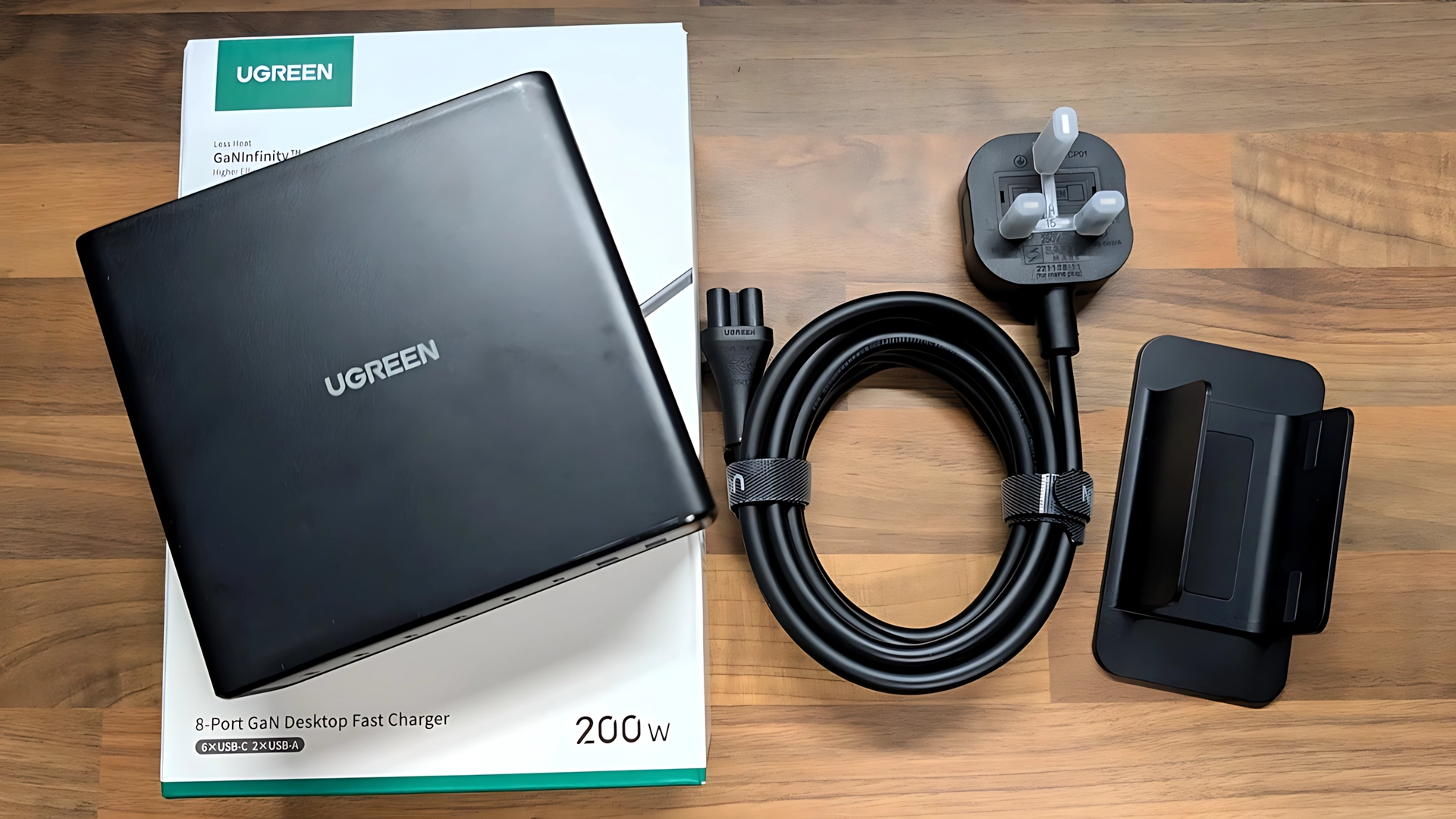
UGREEN 200W 8-Port Desktop Charger Review
Is this the ultimate solution for cable clutter? I test UGREEN's massive 8-port charger with a Steam Deck, Dell laptop, and a pile of studio gear.
Read Review →
VTOMAN Jump 2200 Power Station: Can This Off-Grid BEAST Really Jump Start My Van Too?
Can a power station actually jump-start a van? I test the VTOMAN Jump 2200 with a full off-grid gaming setup and a flat van battery.
Read Review →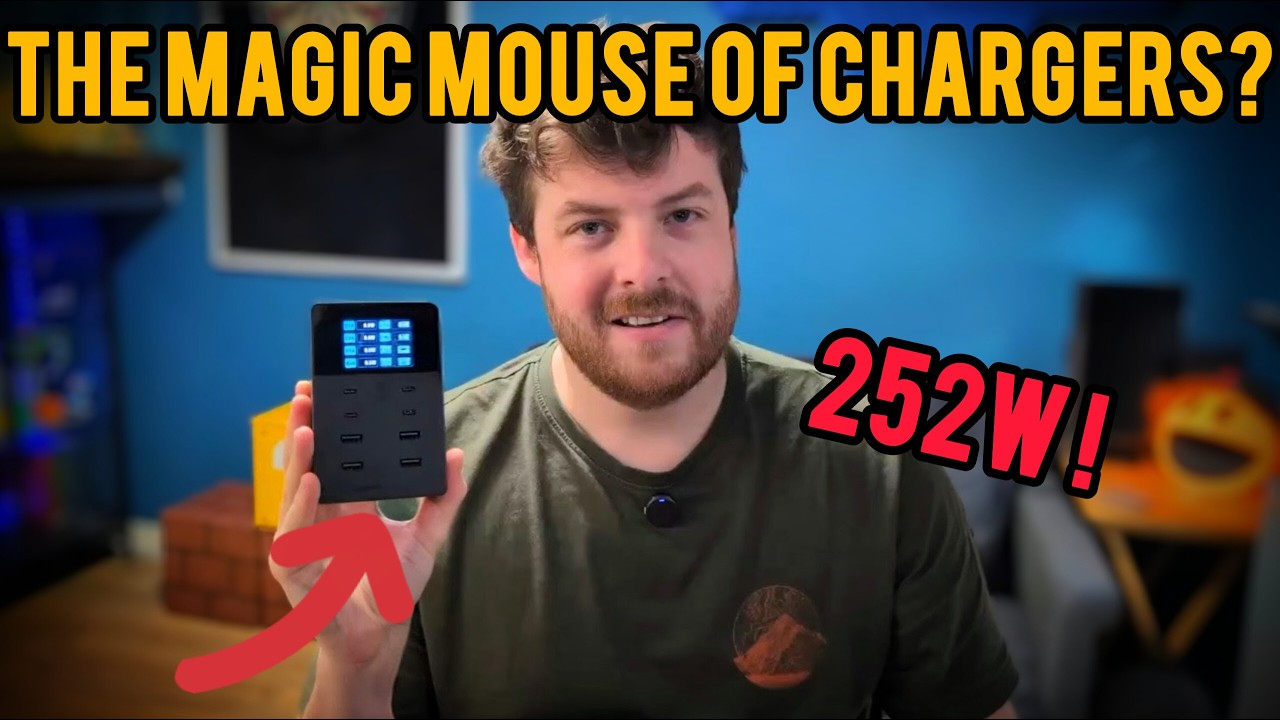
Sabrent 252W 8-Port Charger Review - Charging Stats Galore
Is this the ultimate desk powerhouse? I test the Sabrent 252W beast with its built-in stat screen and massive 8-port output.
Read Review →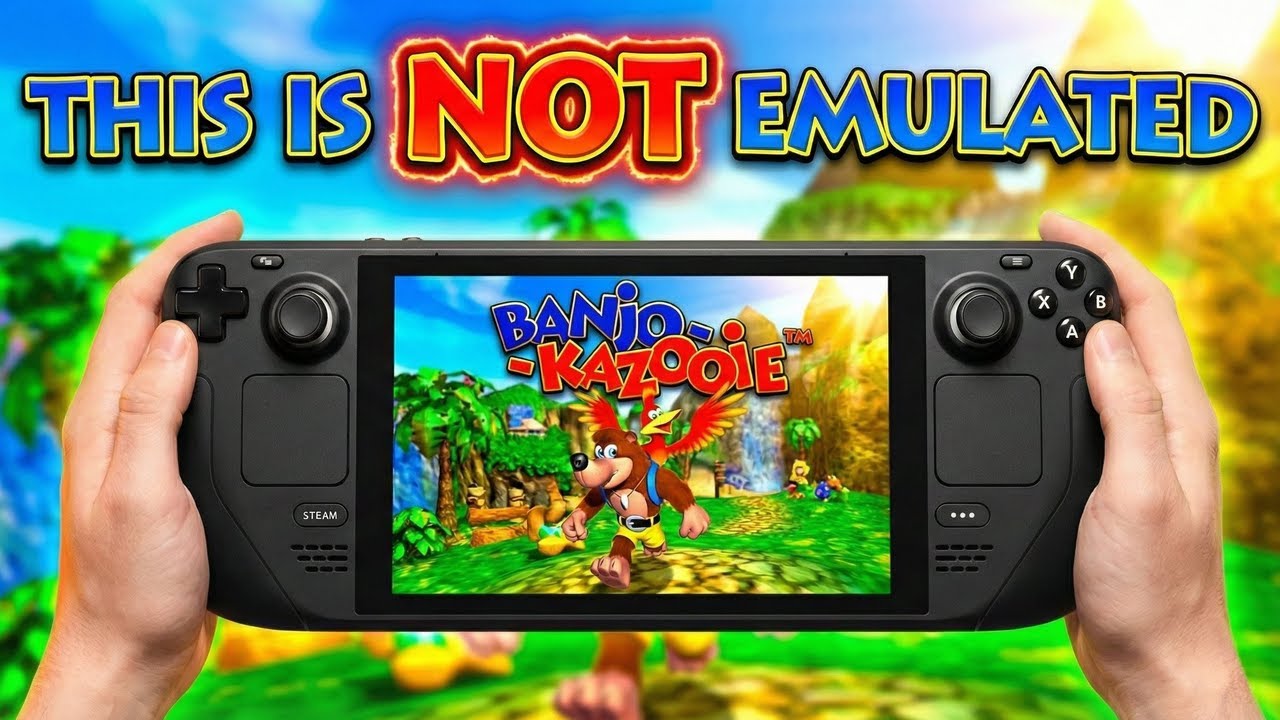
Banjo-Kazooie Native Port: Steam Deck Edition!
Run Banjo-Kazooie natively with modern dual-analog controls, widescreen, upscaling, and much more... Oh, and did I mention it runs for 6 hours on a single charge?!
Read Guide →